Charming & Customizable: The Ultimate Cute Dog Birthday Invite
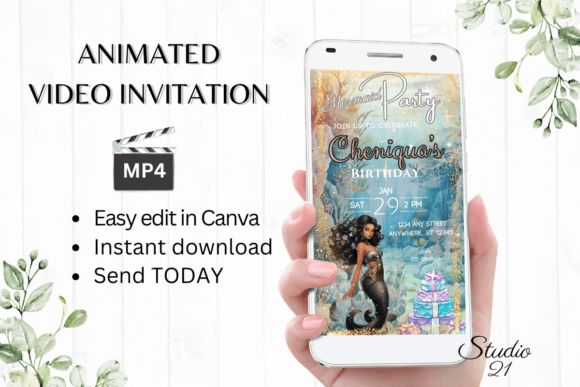
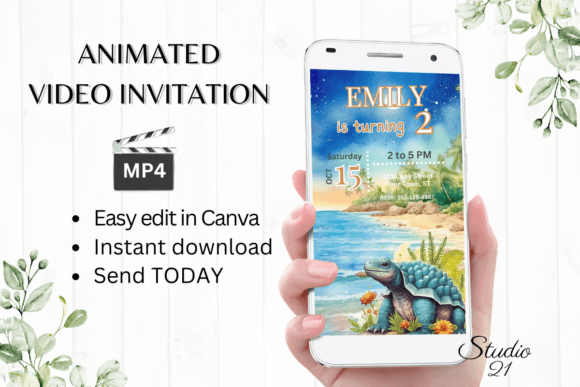
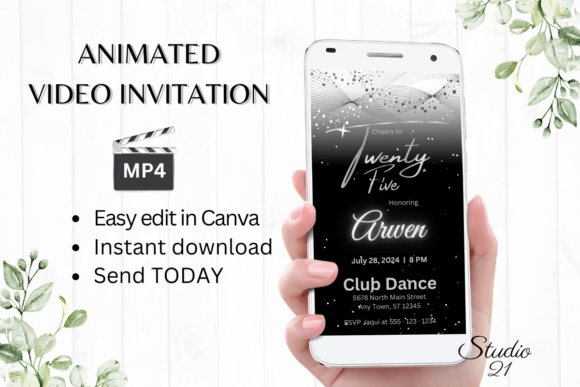
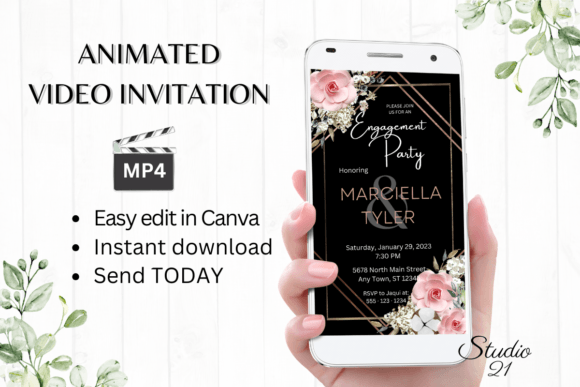
Planning a birthday party for your furry best friend involves more than just buying treats and picking a venue; it’s about setting the tone for the celebration. In a digital-first world, paper cards often get lost in the mail or left on the counter. Enter the Cute Dog Birthday Invite—a digital animated video invitation template designed to capture hearts the moment it hits a screen. This isn't just a static image; it’s a motion-graphic experience that brings the joy of your pet directly to your guests' inboxes.
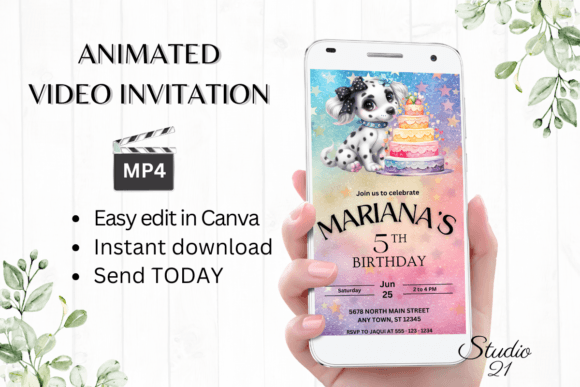
The visual appeal of this template lies in its balance of playfulness and polish. It features high-definition graphics with smooth transitions that mimic professional motion design. The style leans heavily into modern typography trends, utilizing a blend of a clean sans serif font for essential details like the time and date, paired with a whimsical script font for the dog’s name. This combination creates a strong visual hierarchy, ensuring that the most critical information is readable while the decorative elements add personality. The color palette is vibrant yet cohesive, designed to look great on everything from a high-end desktop monitor to a mobile phone screen.
Streamlined Workflow: Editing in Canva
One of the biggest hurdles in graphic design is the barrier to entry—expensive software and steep learning curves. The Cute Dog Birthday Invite bypasses this entirely by leveraging Canva’s accessible interface. You don't need to download fonts or install heavy software. Once you have the template link, you have immediate access to edit.
This workflow is a game-changer for busy pet parents and content creators. Whether you are on a desktop or making quick adjustments on your mobile device, the editing options are robust yet simple. You can personalize text, change font styles, adjust colors, and even modify animation styles. For those looking to create a cohesive brand identity for a pet-themed business or a specific party aesthetic, the ability to tweak every element ensures the final product feels uniquely yours. Once satisfied, you simply download the personalized evite as an MP4 file, ready for distribution.
Strategic Applications for Pet Businesses
While this template is perfect for personal celebrations, it holds significant value for professionals in the pet industry. If you run a doggy daycare, a grooming salon, or a boutique pet shop, hosting a "Puppy Birthday Bash" or a "Yappy Hour" is a fantastic marketing strategy. Using a premium font style and high-quality animation in your invitations signals professionalism. It tells your clients that you care about the details.
Consider the impact on social media graphics. An MP4 invitation can be repurposed as an Instagram Story or a Facebook event cover. The modern typography used in the template ensures that text overlays remain legible even on smaller screens, a crucial aspect of web design and mobile marketing. By utilizing a high-quality digital download, you ensure that your visual assets are crisp and pixel-perfect, avoiding the blurry look that often plagues resized images.
Technical Specifications and Usability
Understanding the technical side of your design assets is key to a smooth workflow. The Cute Dog Birthday Invite is formatted at 1080 x 1920 pixels. This vertical aspect ratio is the industry standard for mobile viewing and social media graphics, specifically for Stories and Reels. This ensures maximum engagement, as the video takes up the entire screen of the viewer's device.
The package includes a PDF with the direct link to the Canva template and a user guide. This is particularly helpful for those who may be new to digital editorial design. The guide walks you through the process of changing text effects and animation styles. Because the template is hosted in the cloud, you can edit it at any time. If you decide to throw a "Gotcha Day" party next month, you can revisit the file, change the wording, and export a new video without starting from scratch.
Maximizing Engagement with Motion
Static invitations have their place, but video invitations drive higher engagement. When a guest receives a text message with an animated Cute Dog Birthday Invite, the movement naturally draws the eye. This is where the choice of typography plays a subtle but vital role. The font pairings used in the template are designed to transition smoothly. A heavy serif font might feel clunky in a fast-paced animation, but the selected display font maintains its integrity even when moving.
For marketers and small business owners, this is a lesson in brand perception. Motion adds a layer of perceived value. It suggests that the event—and by extension, the host—is modern and tech-savvy. The ability to download the file as an MP4 also means you aren't reliant on third-party platforms to host the invitation for you. You own the file and can share it via WhatsApp, iMessage, or email, ensuring it reaches your audience on their preferred platform.
Practical Tips for Finalizing Your Design
Before you hit download, take a moment to evaluate the readability of your invitation. While the script font is beautiful, ensure that the dog's name is legible against the background. Canva allows you to adjust the color and size of the text easily. If the background is busy, consider adding a subtle drop shadow or a translucent shape behind the text to help it pop.
Also, think about the font pairing for the details. The default sans serif font is chosen for clarity, but if you change it, stick to a typeface that is easy to read at smaller sizes. Avoid overly decorative handwritten fonts for the address or time, as these can become illegible on a moving video. Finally, review the animation styles. Sometimes a slower fade-in works better than a fast slide-in, depending on the "vibe" of the party. The flexibility of this digital asset allows you to experiment until it feels just right.